


Enclosed power supplies are widely used across various applications, each with unique environmental requirements that may pose challenges during operation. Common issues include abnormal startup output, excessive output ripple noise, insulation withstand voltage concerns, and audible noise (whining). This article focuses on troubleshooting and resolving common startup failures in enclosed switching power supplies.
No Output After Power-On
During everyday use, complex environments and component failures may lead to power supplies failing to output voltage after power-on, preventing the downstream circuit from operating correctly. The primary causes of this issue include:
l Surge, lightning strike, or voltage spike at the input. Troubleshooting: Check whether the input-side fuse, rectifier bridge, or plug-in resistors are damaged. Use a differential probe to analyze the power-on waveform. Solution: Ensure operation within the EMC conditions specified in the technical manual. For harsher environments, add EMC filters or surge protection devices at the power input.
l Input voltage exceeding the maximum product specification. Troubleshooting: Inspect the input-side fuse, plug-in resistors, and bulk capacitors for any damage. Measure the input voltage waveform. Solution: Adjust the input voltage within the recommended range or select a power supply that supports a higher input voltage.
l Internal short circuits caused by moisture, tin slag, or other foreign objects
Troubleshooting: Check if the ambient humidity is within the specified range. Inspect the PCB surface for foreign debris or contaminants. Solution: Maintain a clean test (or operational) environment with temperature and humidity within specifications. Apply conformal coating when necessary.
l Broken input wires or poor contact at terminal connections. Troubleshooting: Measure the input voltage at the power supply's input terminals. Solution: Replace damaged wiring and ensure secure terminal connections to prevent contact failure.
Long Startup Delay
A significant startup delay in a power supply with proper connections may result from:
l Low bus voltage, leading to slow internal capacitor charging. Troubleshooting: Use a multimeter to check the input bus voltage and compare it to the rated input voltage specified on the product label. Solution: If the input voltage is out of range, consider using a power supply with a wider input voltage tolerance.
No Output / Abnormal Output (Hiccup Mode / Fluctuation)
If the power supply starts up but exhibits no output, hiccup mode, or output fluctuations, potential causes include external disturbances or damage to external components:
l Excessive load or short circuit / Capacitive load exceeding specifications, causing inrush current. Troubleshooting: Disconnect the load and test under no-load conditions. Check if the capacitive load is within the specified range. Inspect for high startup power demands (e.g., motors). Solution: Reduce the load within the specified range or choose a higher-power power supply with better capacitive load handling. Consider modifying the load-driving method instead of directly powering it from the supply.
l High external interference during startup (e.g., power supply sharing a system with high-power equipment, which may momentarily drop supply voltage upon startup and introduce noise into the power lines during operation). Troubleshooting: Disconnect large equipment and test the power supply separately. Solution: Isolate the power supply from high-power equipment within the same system and avoid simultaneous startup.
l Low ambient temperature causes increased ESR (Equivalent Series Resistance) in electrolytic capacitors, leading to startup issues. Troubleshooting: Check whether the ambient temperature falls within the product’s operating range and verify appropriate derating under low temperatures. Solution: Follow derating guidelines for low-temperature operation or select a higher-rated power supply to accommodate low-temperature conditions.
l External TVS (Transient Voltage Suppression) diode specification is significantly lower than the power supply output voltage, reversed TVS diode installation, or damaged output capacitor. Troubleshooting: Remove the TVS diode and test the power supply’s output voltage. Solution: The recommended TVS diode selection is 1.2 times the output voltage. If not specifically required, TVS protection may be omitted.
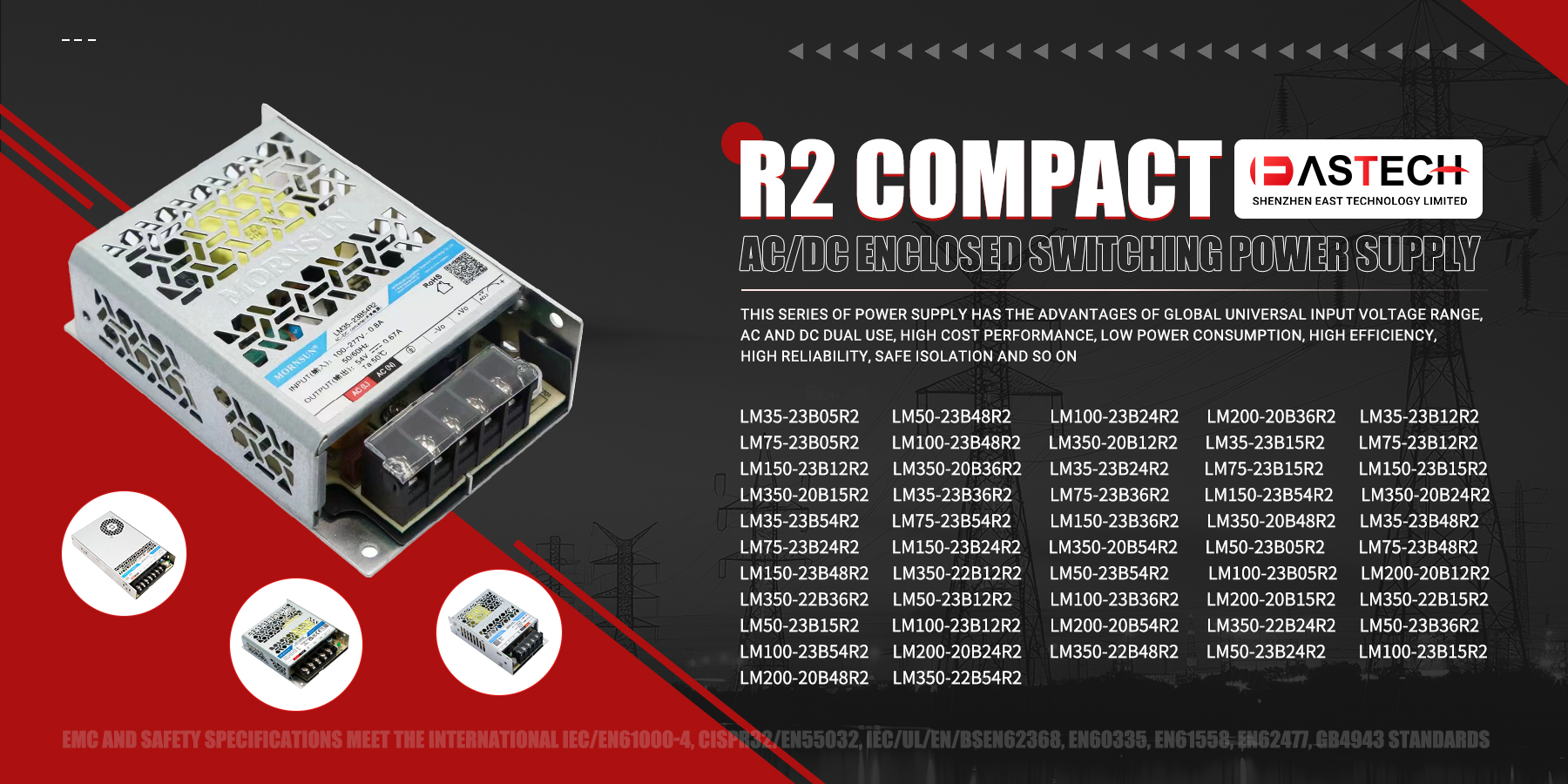
High-Quality Enclosed Switching Power Supplies:
LMF200-23B24UH, LMF500-23B24UH, LM15-23B48, LM50-23B24, LM100-23B12, LMF350-23B28UH, LMF750-23B36UH, LM25-23B15, LM75-23B55, LMF100-23B24, LMF500-23B05UH, LMF1000-23B48UH, LM35-23B15, LMF75-23B15, LM150-23B55, LMF350-23B24UH, LMF1000-23B12UH, LM25-23B48, LM75-23B24, LMF100-23B12
These power supplies offer high reliability and robust performance across various industrial applications. Contact us for product details and quotes. If you know someone in need of electronic components, refer them to us and earn generous commissions! WhatsApp: +8613543300484 Email: marketing@eastechic.com